If you’re trying to figure out how to use an XLR mic without an audio interface, you’re not alone.
A lot of beginners buy an XLR microphone and then realize they can’t just plug it into their computer.
So the question becomes:
How can you use an XLR mic without an audio interface?
There are a few ways to make it work, but not all of them are worth using. In this guide, you’ll learn what works, what doesn’t, and when it makes more sense to use a proper setup.
Contents
- 1 Quick Answer (TL;DR)
- 2 Why XLR Microphones Don’t Work Directly With Your Computer
- 3 How to Use an XLR Mic Without an Audio Interface: 4 Methods Explained
- 4 The Best Alternative (Even If You Don’t Want One)
- 5 When You Should Stop Avoiding an Audio Interface
- 6 Common Mistakes to Avoid
- 7 Simple Beginner Setup (Recommended)
- 8 Next Steps
- 9 FAQ
- 10 Glossary
- 11 About the Author
Quick Answer (TL;DR)
- You can use an XLR mic without an audio interface
- Most cheap solutions have serious limitations
- Sound quality and power are the biggest problems
- A proper audio interface is still the best long-term solution
If you are already considering one, see:
Best affordable audio interfaces
Why XLR Microphones Don’t Work Directly With Your Computer
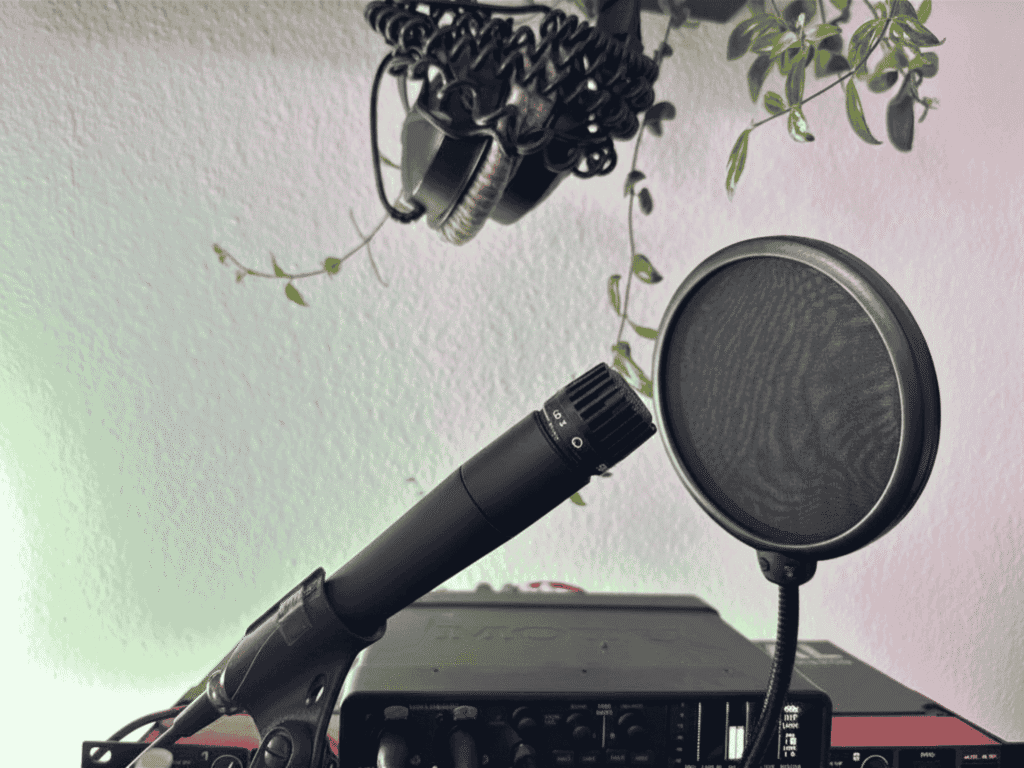
XLR microphones are built for professional audio systems.
They require:
- sufficient gain (power)
- proper signal conversion
- phantom power for condenser microphones
Most computers:
- do not provide enough power
- have low-quality audio inputs
- are not designed for XLR signals
That’s why plugging an XLR mic directly into your computer often results in weak or noisy audio.
How to Use an XLR Mic Without an Audio Interface: 4 Methods Explained
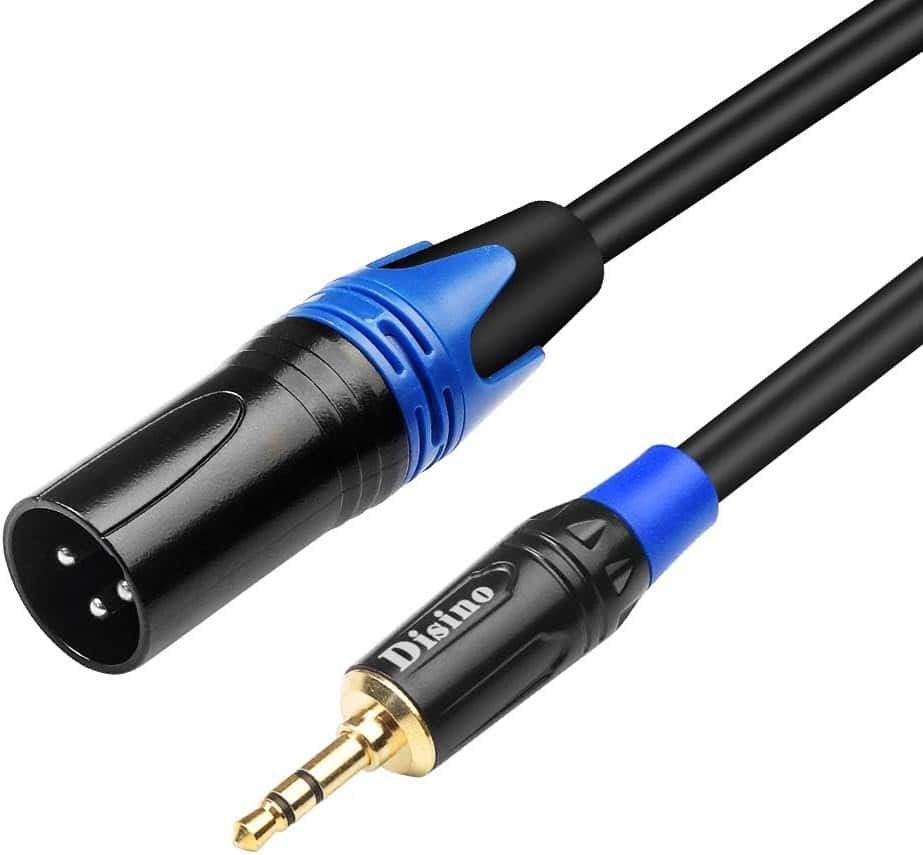
1. XLR to 3.5mm Adapter Cable (Not Recommended)
However, this comes with major downsides:
- no proper amplification
- no phantom power
- poor impedance matching
- increased noise and interference
The result is usually a weak and noisy recording.
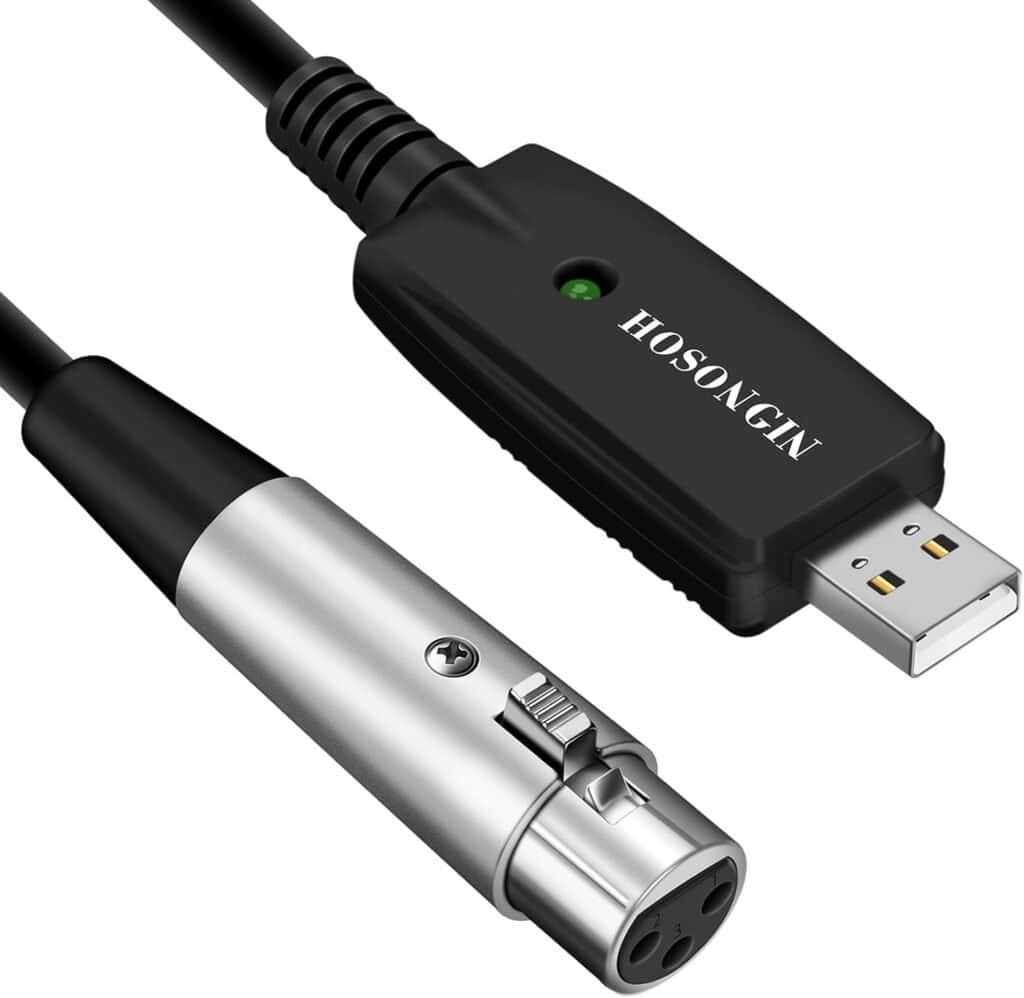
2. XLR to USB Cable (Also Not Recommended)
While convenient, they have several limitations:
- low-quality converters
- insufficient gain
- no phantom power
They are often not suitable for serious recording.
3. Using a Camera or Device with 3.5mm Input
This can work, but there are trade-offs:
- signal is converted from balanced to unbalanced
- increased risk of noise
- limited control over audio
This method is more of a workaround than a reliable solution.
4. USB Mixer (Better Alternative)
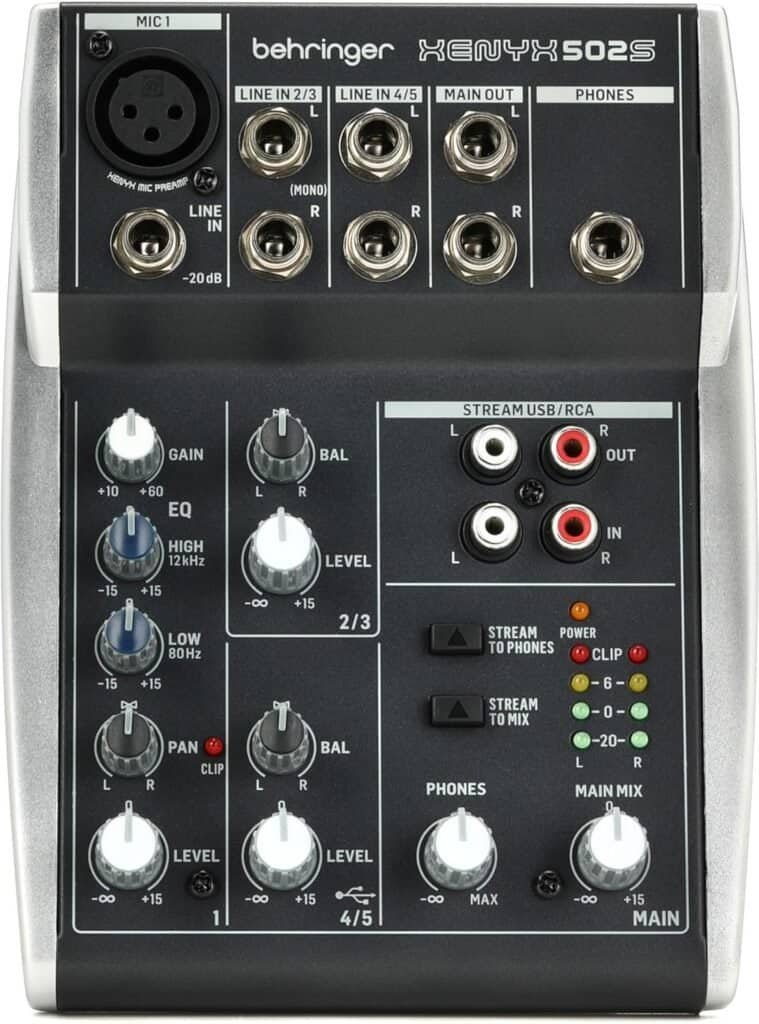
A much better way to use an XLR mic without an audio interface is a USB mixer.
Unlike simple adapter cables, a USB mixer gives you proper gain, better sound quality, and more control over your recording. It also connects directly to your computer via USB, making it a reliable all-in-one solution for beginners.
If you want something that actually works without the typical noise and signal issues, check out this USB mixer by Behringer – as it is one of the best alternatives.
Works with XLR microphones and connects directly via USB.
The Best Alternative (Even If You Don’t Want One)
Most solutions that actually work well are essentially doing the same thing as an audio interface.
They:
- convert analog to digital signals
- provide gain for microphones
- improve audio quality
This is why a dedicated audio interface remains the most reliable solution.
When You Should Stop Avoiding an Audio Interface
You should consider using one if:
- your recordings sound weak or noisy
- you want to record vocals properly
- you use a condenser microphone
- you want consistent audio quality
If you’re still unsure whether you actually need an audio interface, read this guide:
Do I need an audio interface?
Common Mistakes to Avoid
- using cheap adapter cables
- ignoring phantom power requirements
- using long unbalanced cables
- expecting high-quality sound from basic setups
Simple Beginner Setup (Recommended)
A simple and effective setup includes:
- XLR microphone
- Audio interface
- Headphones
This setup gives you reliable sound quality and flexibility.
Next Steps
If you want to go deeper, check these guides:
FAQ
How can I use an XLR mic without an audio interface?
You can use an XLR mic without an audio interface by using adapters, USB mixers, or special cables. However, these solutions often have limitations in sound quality and power.
Why does my XLR mic sound bad without an interface?
Because your computer cannot provide enough power or proper signal conversion.
What is the cheapest way to use an XLR mic?
A USB mixer or entry-level audio interface is usually the best option.
Glossary
XLR Microphone
A professional microphone using a balanced connection to reduce noise.
Phantom Power (48V)
Power required for condenser microphones.
Balanced Signal
A signal type that reduces interference and noise.
Unbalanced Signal
A signal that is more prone to interference.
Audio Interface
A device that connects microphones and instruments to a computer.
About the Author

Patrick is a Germany-based producer and synth. He spends most days writing, tracking hardware, and testing gear in small real-world sessions—no lab coats, just songs.
This guide follows the same approach: fast, musical results first; specs only when they change what you can actually do.
Patrick has programmed and reviewed a wide range of instruments—from compact monos like SE-02, Monologue, and Typhon to expressive polys like Hydrasynth and PolyBrute.
He values clear panels, reliable tuning, and sounds that sit in a mix without a fight. When he says a synth is a “keeper,” it’s because it helped finish tracks. Have a question or a correction?
Reach out via the Contact page and check the Affiliate Disclosure to see how links support the site at no extra cost to you.