If you’re getting into music production, you’ve probably asked yourself:
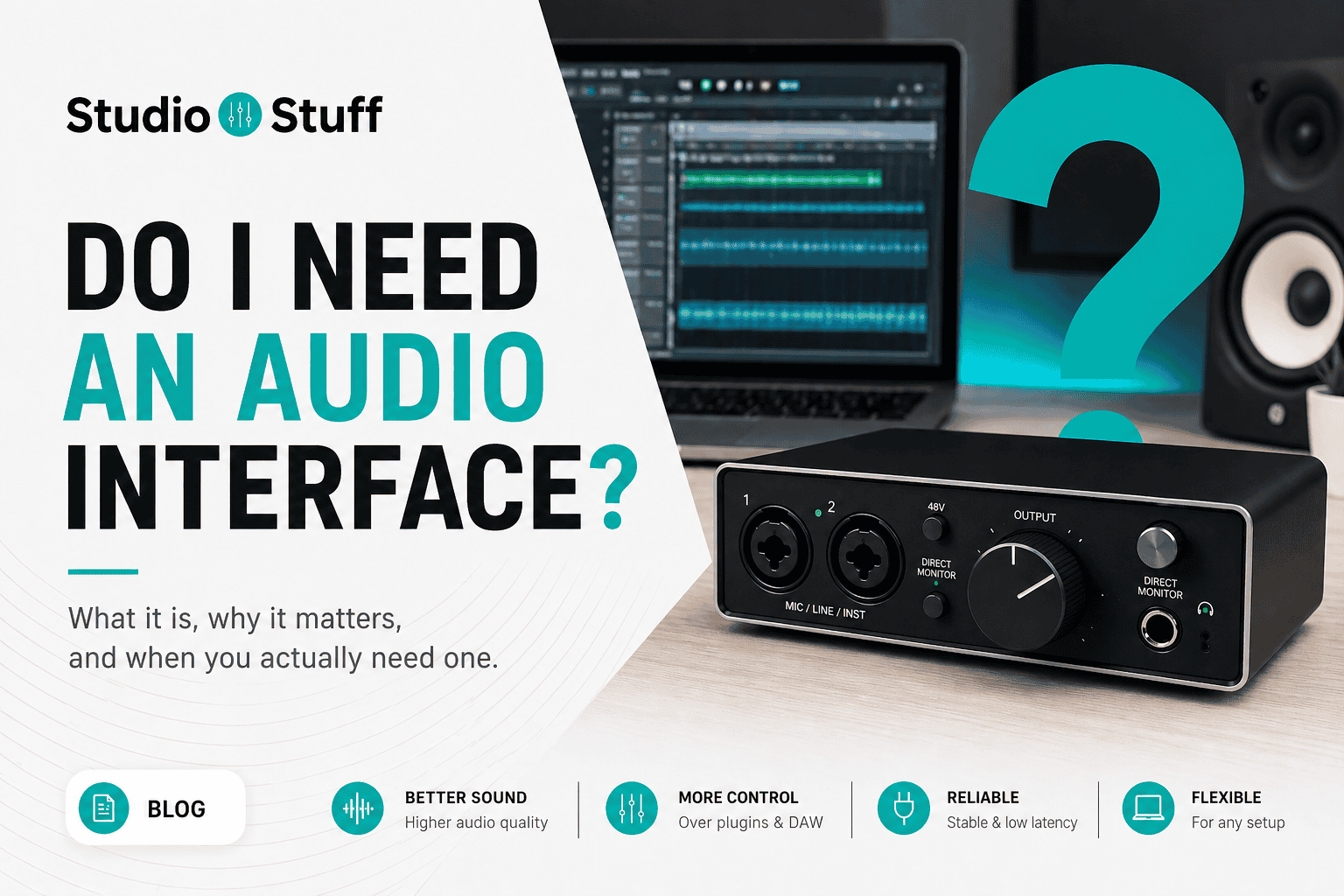
Do I need an audio interface?
The honest answer is: not always. But depending on what you want to do, an audio interface can make a big difference in sound quality, flexibility, and your overall workflow.
In this guide, you’ll learn when you actually need one, when you don’t, and how to decide what makes sense for your setup.
If you’re completely new to this topic, you might want to start with a beginner-friendly overview:
Audio interface for beginners
Contents
- 1 Quick Answer (TL;DR)
- 2 What Does an Audio Interface Actually Do?
- 3 When You Don’t Need an Audio Interface
- 4 When You Do Need an Audio Interface
- 5 The Biggest Mistake Beginners Make
- 6 Do I Need an Audio Interface for my Setup?
- 7 Do I Need an Audio Interface as a Beginner?
- 8 Best Affordable Audio Interfaces (Quick Recommendation)
- 9 Next Steps
- 10 FAQ
- 11 Glossary
- 12 About the Author
Quick Answer (TL;DR)
- You don’t need an audio interface if you only use software, samples, and headphones
- You do need one if you record vocals, instruments, or want better sound quality
- Most beginners benefit from one once they move beyond basic production
If you already know you want one, check out this guide:
Best affordable audio interfaces.
What Does an Audio Interface Actually Do?
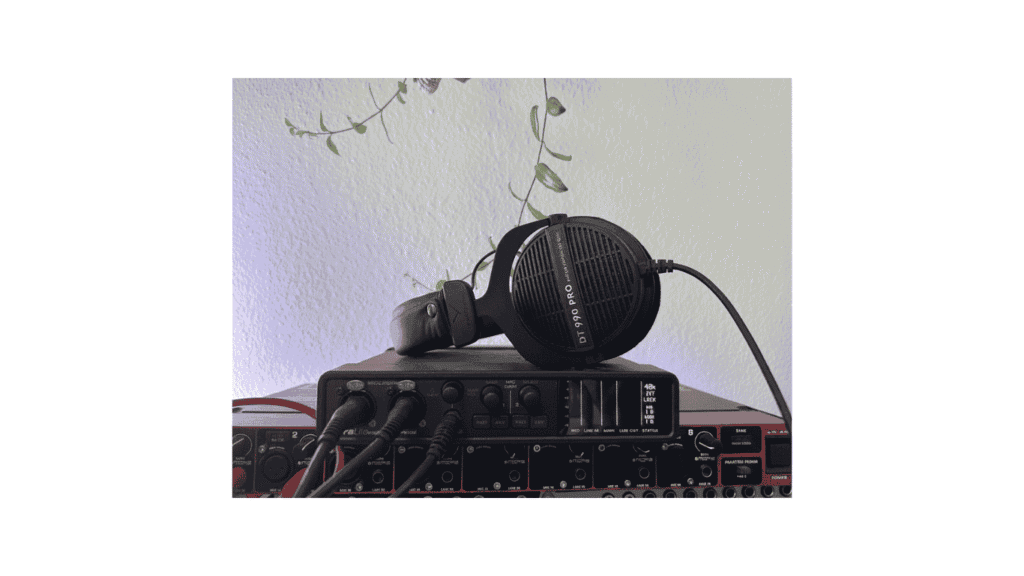
An audio interface connects real-world sound to your computer.
It allows you to:
- record vocals through a microphone
- plug in instruments like guitar or synths
- monitor your sound through headphones or speakers
Technically, it converts analog signals into digital data your computer can process, and back again for playback.
In simple terms, it acts as the bridge between your gear and your computer.
When You Don’t Need an Audio Interface
You can absolutely start without one.
You only use software (VSTs, samples, loops)
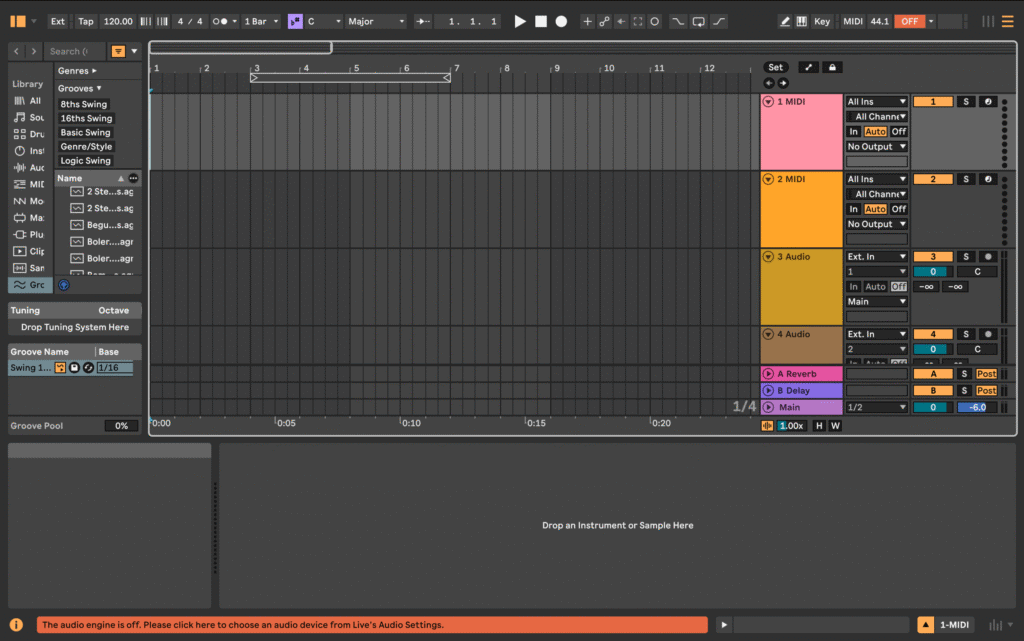
If you produce entirely inside your DAW using virtual instruments, you don’t need an audio interface.
Your computer already handles audio playback and basic processing.
You are just starting out
At the beginning, it’s more important to:
- learn your DAW
- understand basic concepts
- finish your first projects
You can always upgrade your setup later.
If you’re trying to record with an XLR microphone without an interface, there are some workarounds:
How to use an XLR mic without an audio interface
When You Do Need an Audio Interface
This is where an interface becomes important.
You want to record vocals
Built-in laptop microphones are not designed for high-quality recording.
An audio interface allows you to use proper microphones and record clean, professional audio.
You record instruments
If you connect instruments directly to your computer:
- the signal may be too weak or distorted
- sound quality will suffer
An interface ensures the correct signal level and better sound.
You want better sound quality
Computer sound cards are designed to be affordable, not high quality.
An interface gives you:
- cleaner recordings
- better playback
- more control over your sound
You use studio headphones or speakers
Audio interfaces provide:
- proper outputs for studio monitors
- better headphone amplification
- lower latency
If you’ve reached this point, you’ll want to look at actual beginner-friendly options.
The Biggest Mistake Beginners Make
A common mistake is buying the cheapest interface without thinking about future needs.
For example:
- one input means you can only record one source at a time
- if you want to record vocals and guitar together, this becomes a problem
A better starting point for most people is an interface with at least two inputs.
If you’re unsure which one to choose, see:
Best affordable audio interfaces
Do I Need an Audio Interface for my Setup?
Here’s a simple way to decide.
You need an audio interface if:
- you record vocals
- you record instruments
- you want better sound quality
- you use external audio gear
You don’t need one if:
- you only use software instruments
- you are experimenting or learning
- you don’t record external audio
Do I Need an Audio Interface as a Beginner?
If you are serious about improving your sound and recording workflow, an audio interface is a good investment.
If you are still exploring music production, you can wait and start with what you already have.
A practical approach is:
- start simple
- upgrade when you feel limited
Best Affordable Audio Interfaces (Quick Recommendation)
If you’ve decided to get one, don’t overcomplicate it.
Good beginner options include:
For a full comparison and recommendations, see:
Best affordable audio interfaces
Next Steps
If you want to go deeper, check these guides:
- Audio interface for beginners
- How to use an XLR mic without an audio interface
- Best affordable audio interfaces
FAQ
Do I need an audio interface to make music?
No, you can start without one. But it becomes important when recording vocals or instruments.
Is an audio interface worth it?
Yes, especially if you want better sound quality and more flexibility.
Can I record without an audio interface?
Yes, but your sound quality and control will be limited.
Glossary
Audio Interface
A device that converts analog sound into digital signals for your computer.
Latency
The delay between playing a sound and hearing it back.
Direct Monitoring
Allows you to hear your input signal without delay.
Phantom Power (48V)
Power required for condenser microphones.
Preamp
Boosts microphone signals to a usable level.
About the Author

Patrick is a Germany-based producer and synth. He spends most days writing, tracking hardware, and testing gear in small real-world sessions—no lab coats, just songs.
This guide follows the same approach: fast, musical results first; specs only when they change what you can actually do.
Patrick has programmed and reviewed a wide range of instruments—from compact monos like SE-02, Monologue, and Typhon to expressive polys like Hydrasynth and PolyBrute.
He values clear panels, reliable tuning, and sounds that sit in a mix without a fight. When he says a synth is a “keeper,” it’s because it helped finish tracks. Have a question or a correction?
Reach out via the Contact page and check the Affiliate Disclosure to see how links support the site at no extra cost to you.